Work areas
The Four Main Work Areas
Home
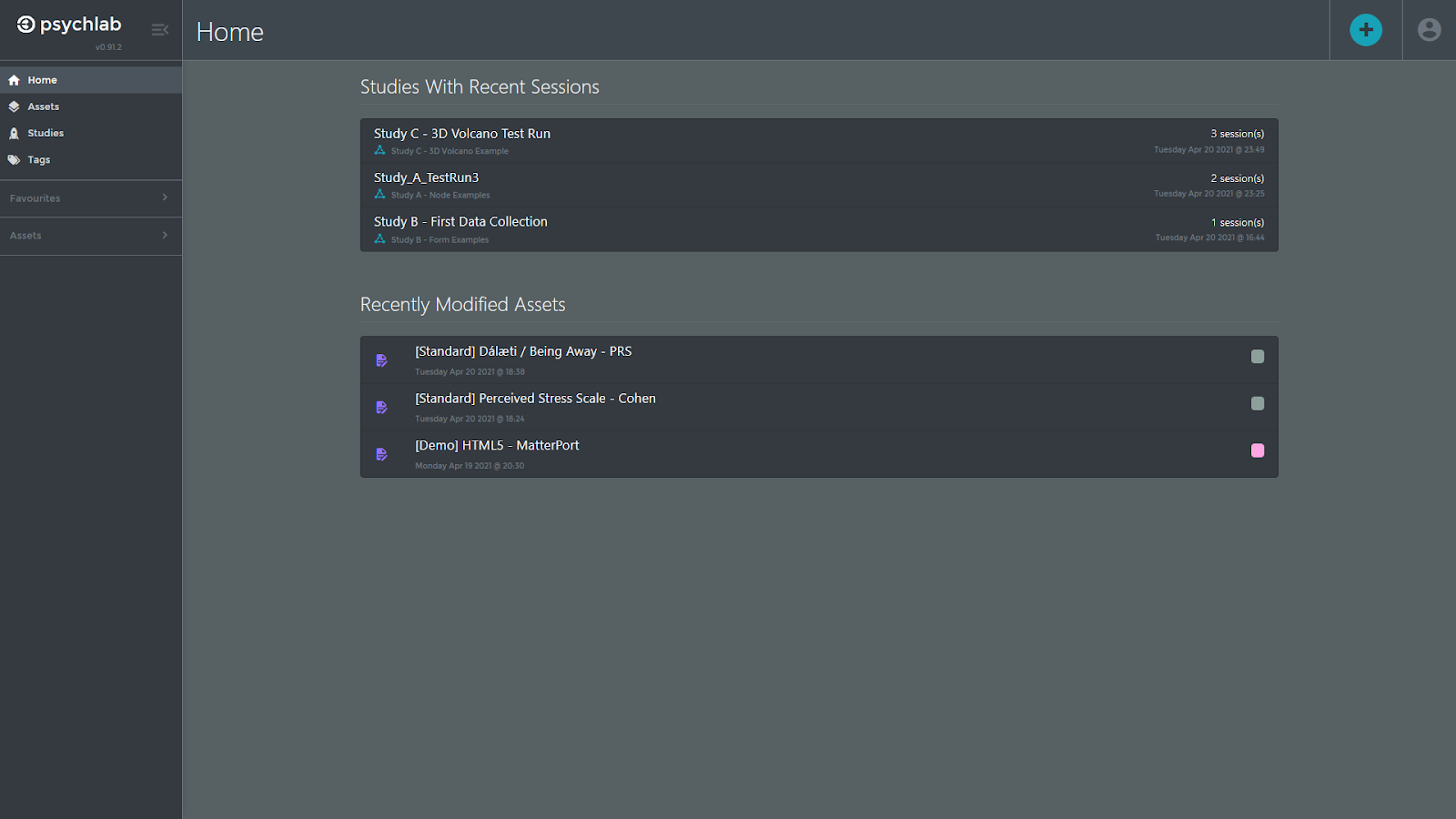
The Home area is the default start screen. Under Studies With Recent Sessions, it provides shortcuts directly into ongoing studies that have been recently visited by participants. Under Recently Modified Assets, there are short-cuts to assets designs, such as study blueprints, forms and galleries that someone has been recently working on.
Assets
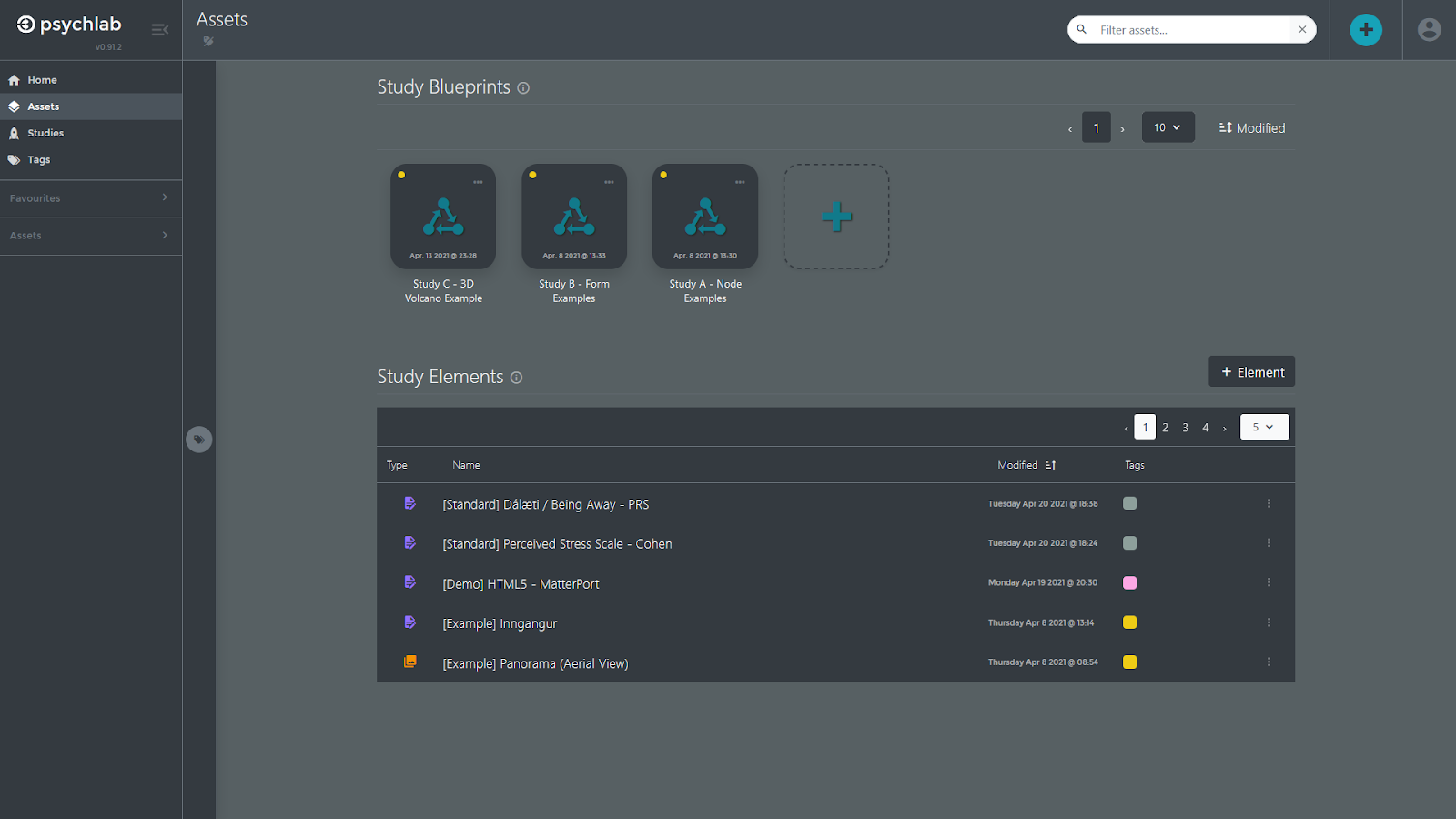
The Assets area is where you design new studies, in the form of Study Blueprints, and design the contents of studies in the form of Study Elements. Together these designs are called your Assets. As well as providing you with tools to design new assets, you can access all of your previously designed assets through this page to view or edit them.
Studies
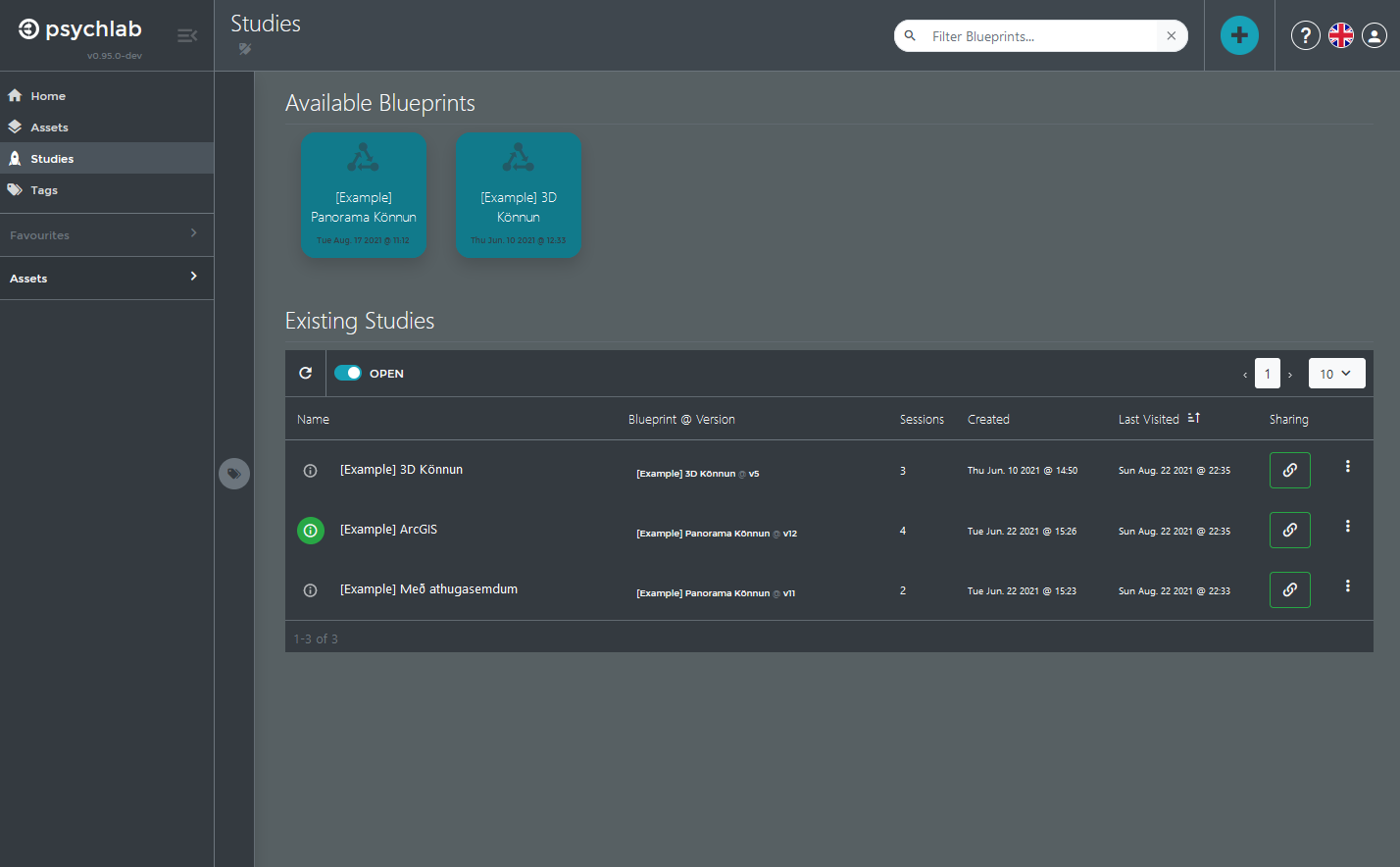
The Studies area is where you start or launch new studies from Available Study Blueprints, so that they can be shared with the outside world, collecting data from participants. This is also where you can access Existing Studies, both ongoing studies (Open) and past studies (Closed), to monitor their progress or analyze their data.
Tags
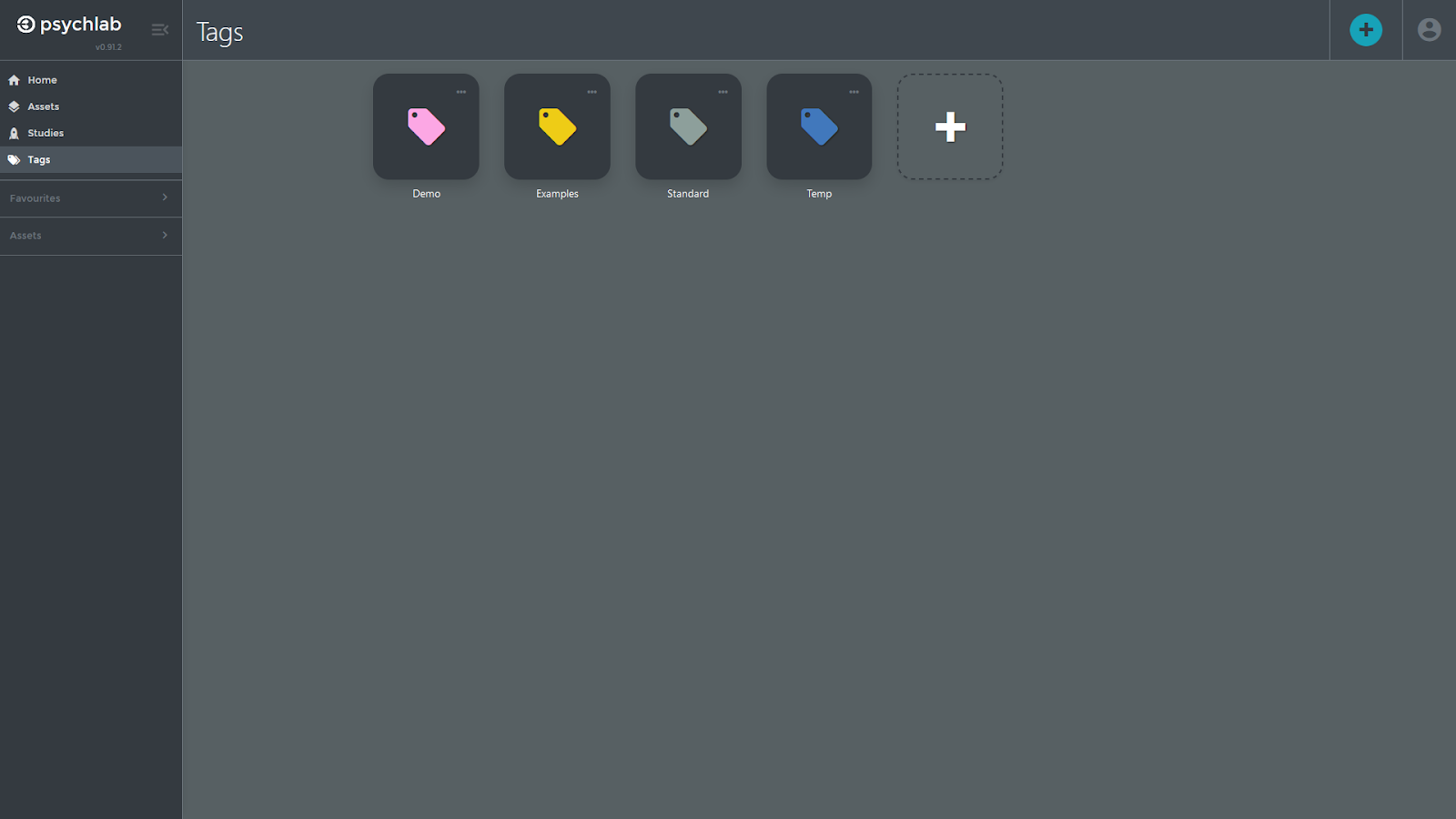
The Tags area lets you define tags or labels that help you organize your assets. You can set both the name and the color of a tag. Tagging assets involves opening the tag side-panel to the left of the Assets area and dragging and dropping an asset onto the tag you want to associate with that asset. In that same panel you can click on a tag to display only assets that have been tagged with that tag.