Test study
Test your new gallery Study Element in a new study
- Follow Create blueprint in First survey to create a new study blueprint that you could call something like “Tutorial 3 Study”, and insert the new gallery element you created in step 1 into a new “Gallery Node” (these are Orange nodes, see screenshot below).
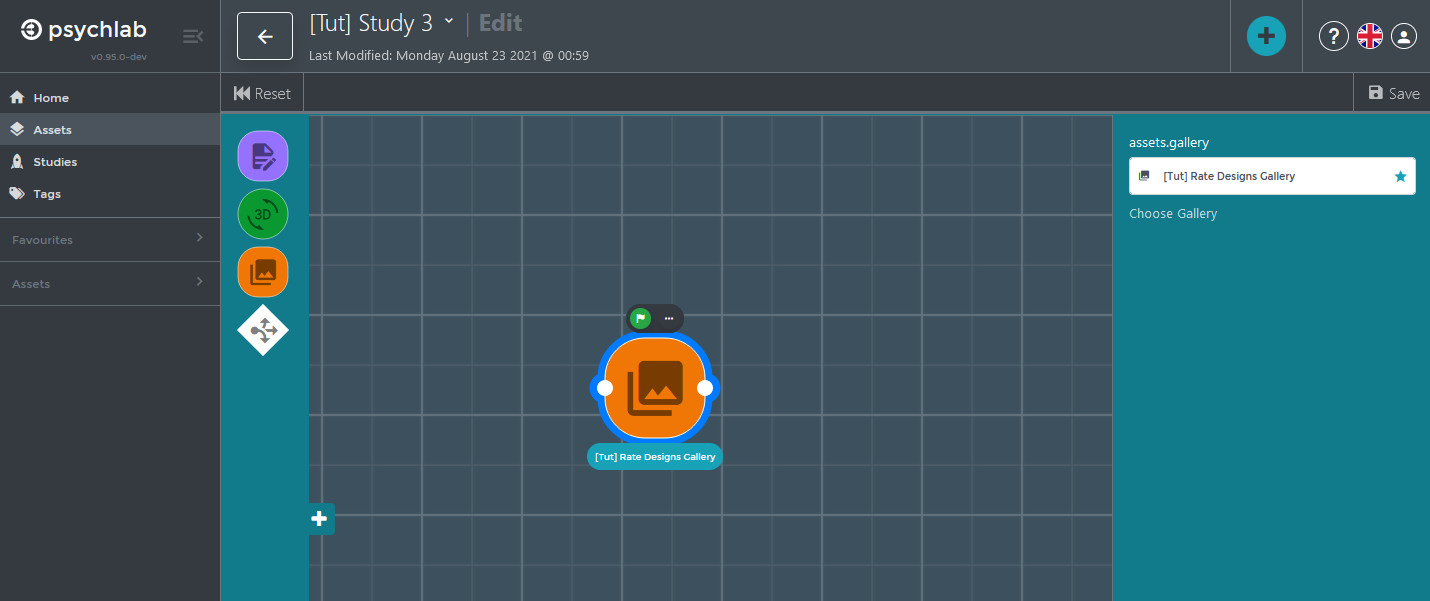 You can add more nodes, but it is also fine to have it only contain this one node.
 - Follow Start study in First survey to start a new study from your new blueprint you could call “Tutorial 3 Study - First Run”, test it.