Stop study
Stop a running Study
- Enter the Studies work area by clicking on Studies in the work area switcher on the top left.
- Find your study under Existing Studies, click on the three dots in the far right column and select “Close” (confirm when the dialog box appears).
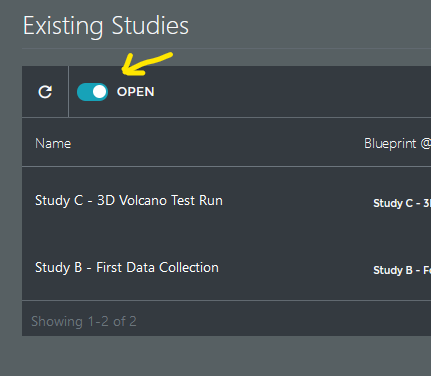
- To see your study now, toggle the “Open” filter of the “Existing Studies” table to off.